
Table of Contents
Long story short: about three years ago, I made the decision to install Arch Linux on my main PC, which I use extensively for all my professional work, including photo and video editing.
I was a bit reluctant at first (pun intended) and sceptical about the idea. After all, I’d been daily driving Pop!_OS back then and had only tried Arch on my spare laptop. But I was also captivated by the promise of the lightweight and reliable system that I could adapt to my specific needs, so I decided to take a leap of faith.
KISS principles
Everyone in Linux space knows that Arch follows a strict "keep it simple" policy, but I never realised how "simple" it is until I tried installing it myself.
For those who have no idea what I’m talking about, KISS means "Keep it simple, stupid" which, in the context of operating systems, means stripping away unnecessary packages and delivering a streamlined experience. And by "unnecessary packages" I mean "all unnecessary packages".

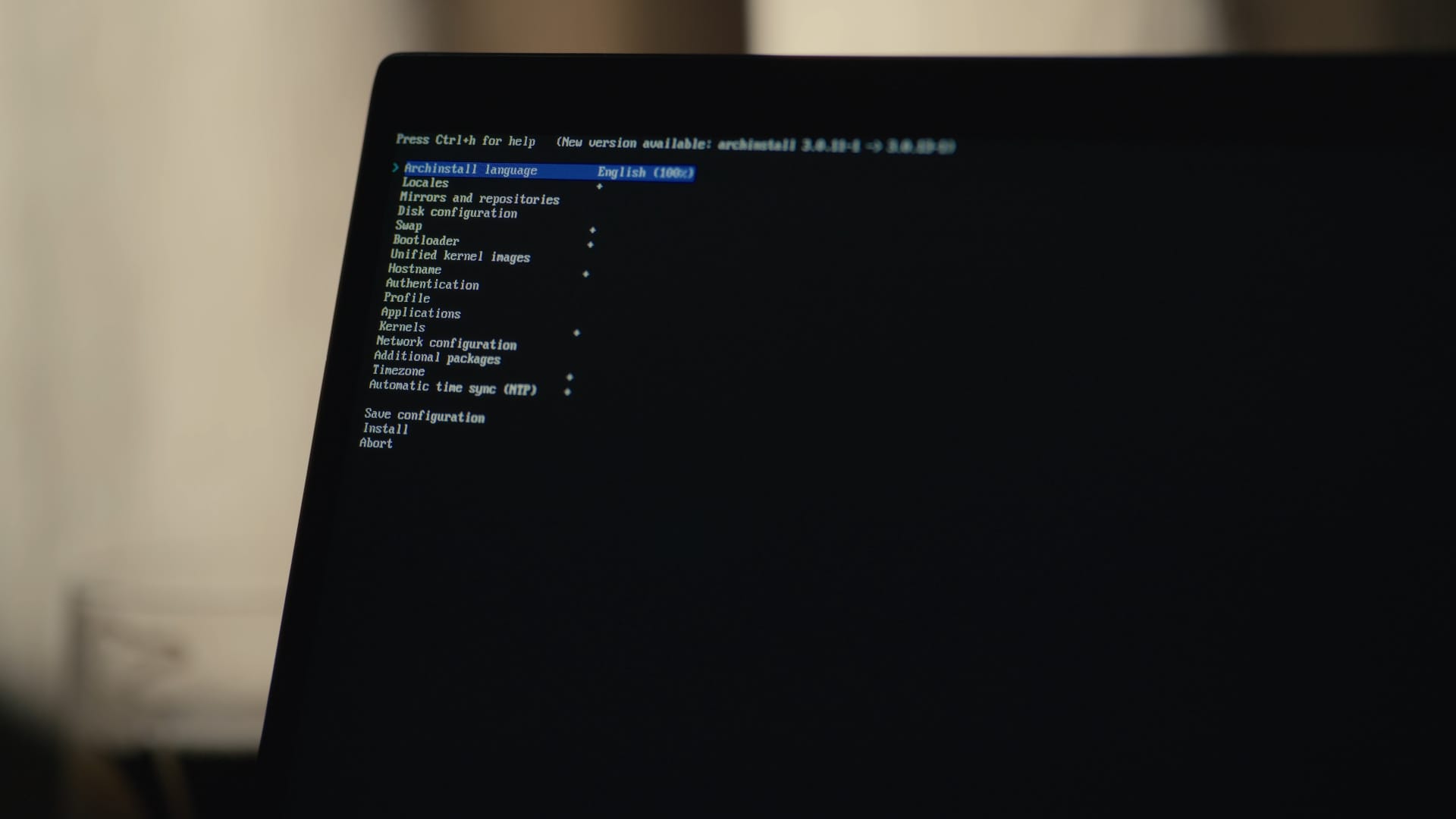
I learned this lesson right after I finished installing Arch Linux for the first time via the archinstall script and found out that it didn't install the NTFS driver by default. My first thought was: "Wow, this can't be true! This is the basic package that everyone needs, why didn't they include it in the basic desktop installation?".
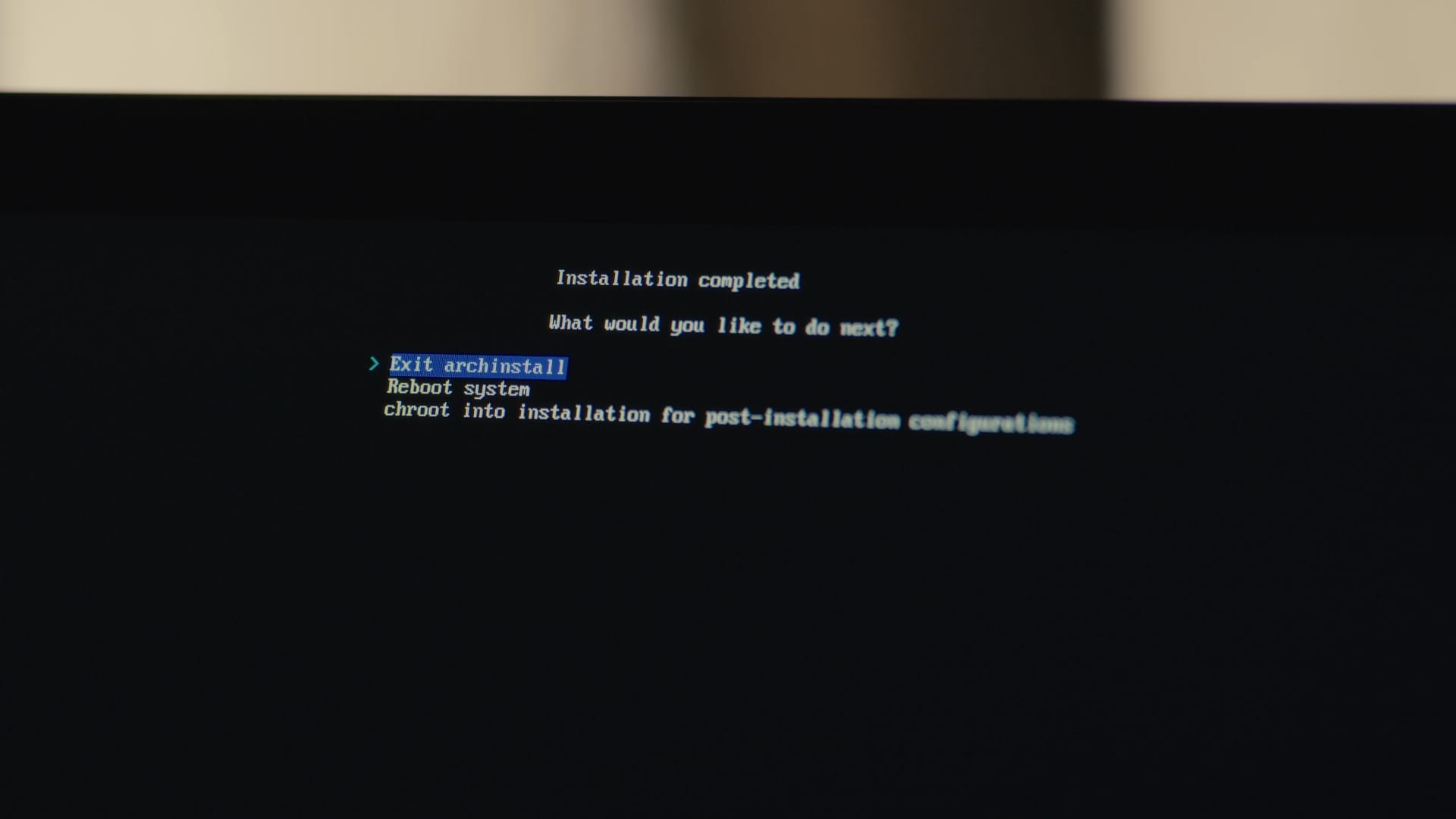
Turned out it wasn't the archinstall’s fault. It did ask me whether I wanted to chroot into installation for post-installation configurations. It was me who selected "Exit archinstall" in the terminal window.
Later It would make me realise that if I want to see something on my computer, I should go and install that for myself. This could be applied to everything else, from the CUPS utility and music players to a Bluetooth stack. All of them doesn't come pre-installed with Arch Linux.
This is a pure manifestation of the DIY-philosophy: nobody knows what exactly you need, and only you can choose what to install on your system. Otherwise, you're going to get a bloated system. Beginner-friendly? Maybe, but a bloated one.
Arch is the best distro to learn Linux
This approach might seem daunting at first. However, it allows you to learn what exactly you need to make your PC work for you. It helsp you to evade packages and creating dependencies you don't require, making your system much-much lighter.
The act of selectively choosing what to install allowed me to see each package and every systemd service as a piece of a larger puzzle, and that the overall behaviour of my system depends on the combination of those pieces.
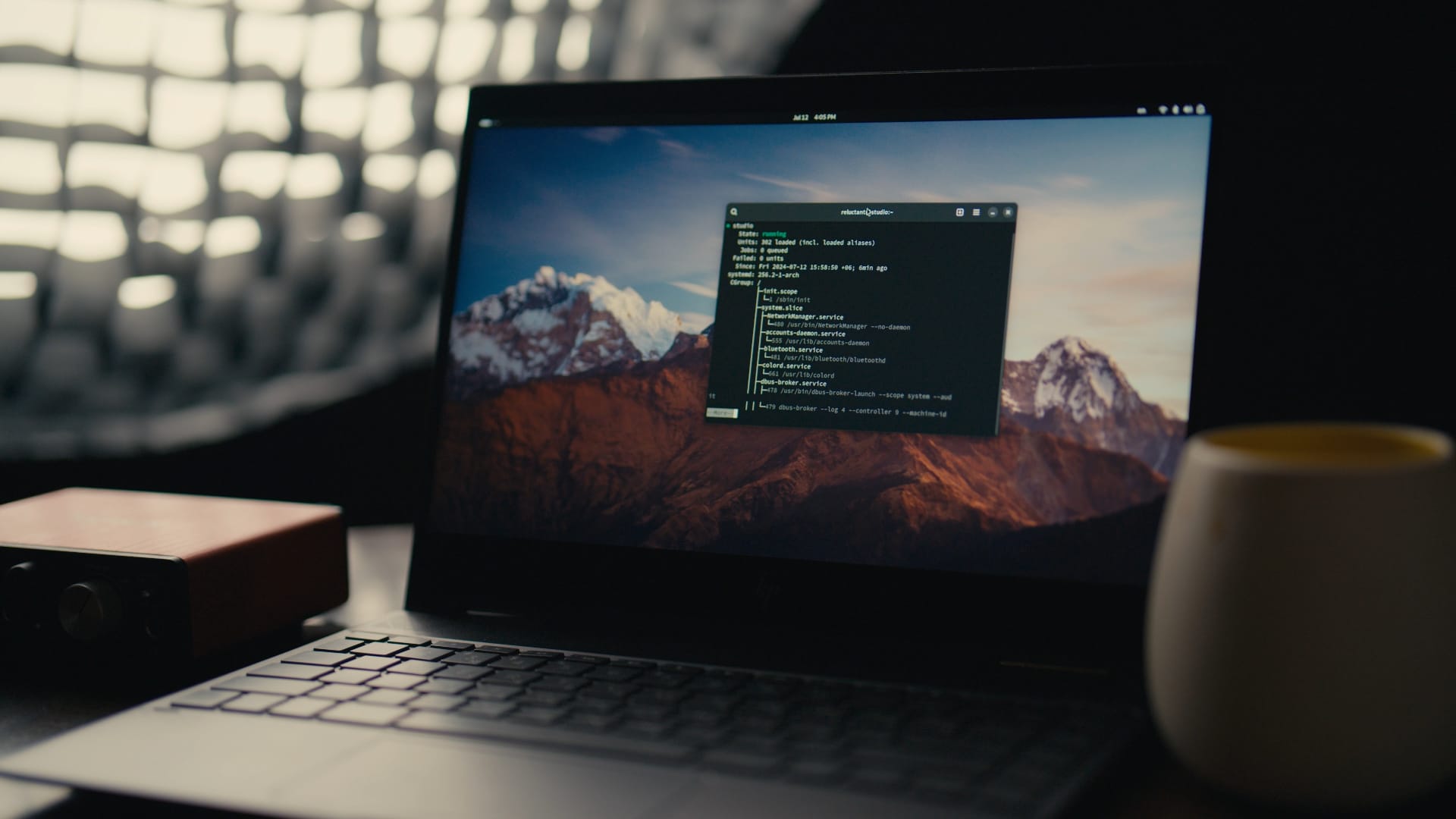
This level of personal responsibility is so important to the learning process. You have to completely ditch the third training wheel in order to learn how to ride a bike. Even if it means falling down and grazing your skin.
Everything I know about Arch Linux I’ve learnt from a mix of sources, including YouTube tutorials, Reddit discussions, and, of course, the ArchWiki. And all three sources made Arch Linux feel really approachable.
So ArchWiki became my best friend! I’ve spent countless hours scrolling through its pages, looking for a help with a troubleshooting and learningn new useful Pacman commands.
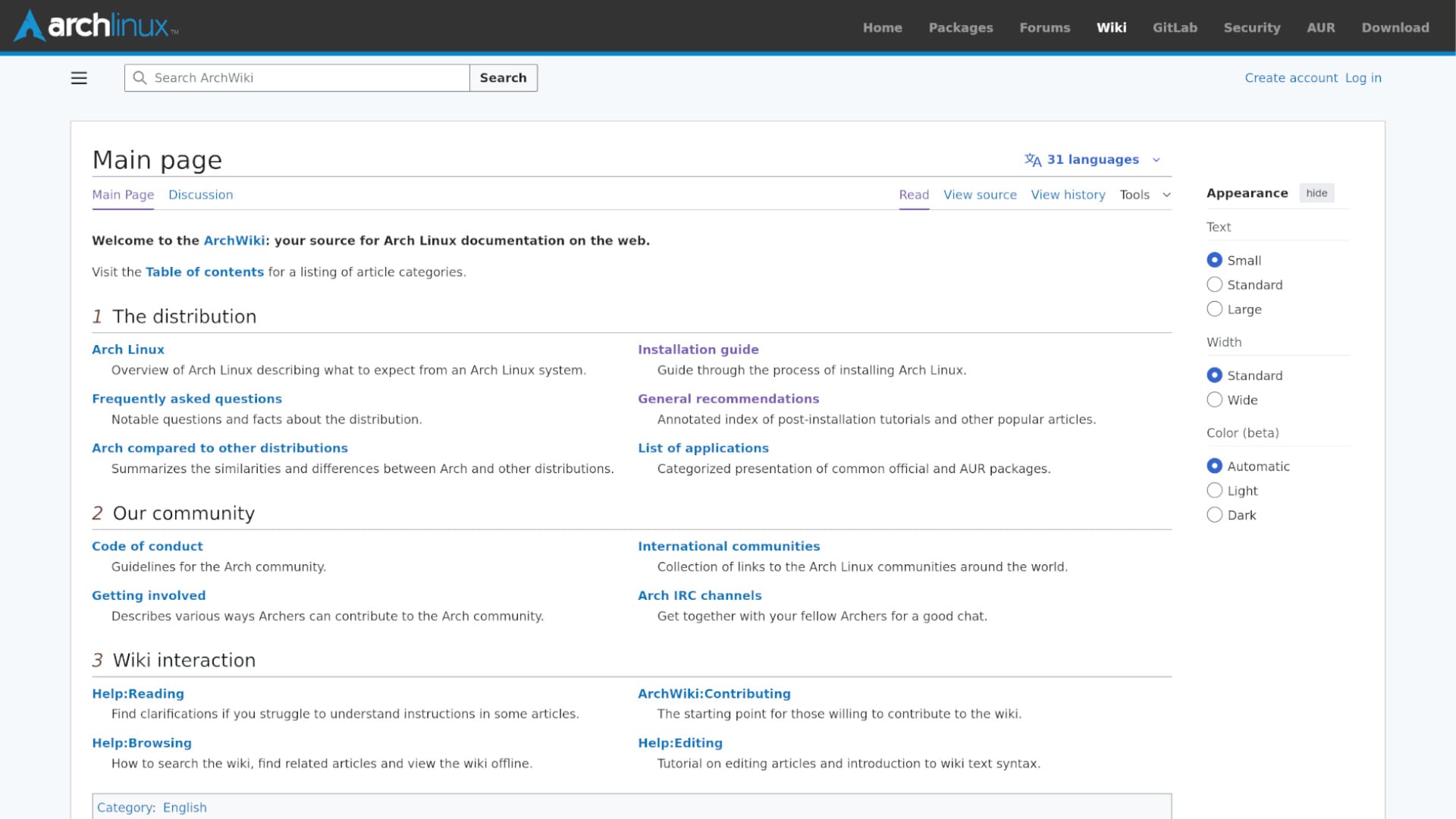
After all, learning Linux is more than just memorising terminal commands and getting used to a desktop environment. It's all about seeing the "underlying architecture" and understanding the way it works on a very deep (and sometimes, when you try to fix Bluetooth for a couple of hours — very personal) level.
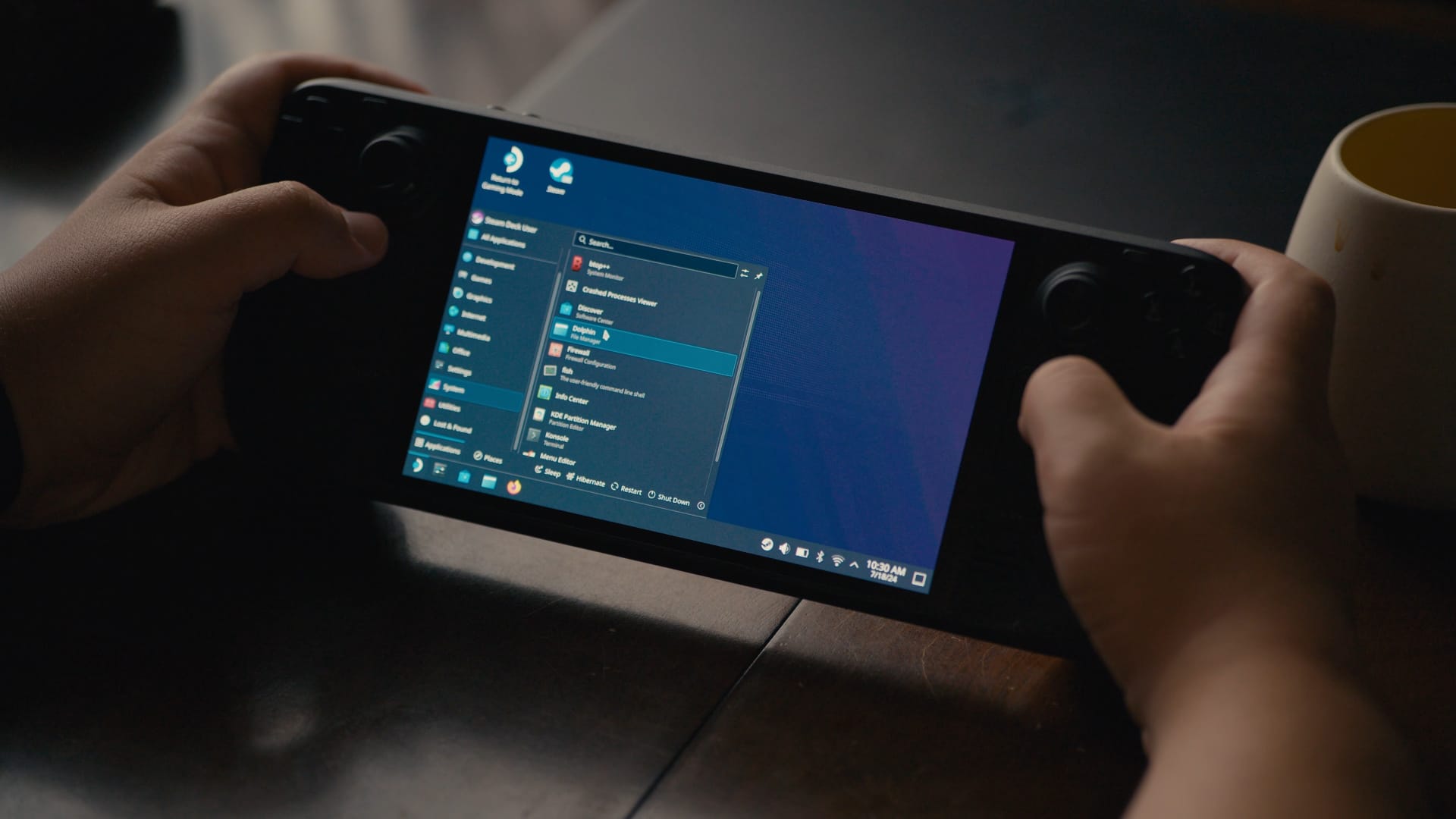
Plus, there is a funny side effect: this whole thing about KISS principles not just turned Arch a perfect distro to learn Linux, but also helped me appreciate and respect distros that work out of the box like Ubuntu, Pop!_OS, Mint and Fedora!
Arch is reliable
When I was installing Arch for the first time, I was intimidated by the idea of a rolling release distro. And it wasn't completely my fault: the language that people on YouTube and Reddit use to compare Arch to "stable" and "beginner-friendly" distros kind of implies that Arch is not a stable distro and definitely not a beginner-friendly one.
Arch turned out to be way more stable and way more reliable than I expected. So-called "bleeding edge packages" that people were talking about online turned out to be just normal, up-to-date versions of apps that I wanted to use on my system anyway, and, when it comes to maintaining an operating system, Arch pleased me with some pretty reasonable safety checks!
For example, Pacman package manager always stores its downloaded packages in /var/cache/pacman/pkg/ and does not remove the old or uninstalled versions automatically, so you could downgrade them later if something goes wrong. This also helps if you need to reinstall recently deleted packages directly from the cache directory, without the need to download them again from the repository.
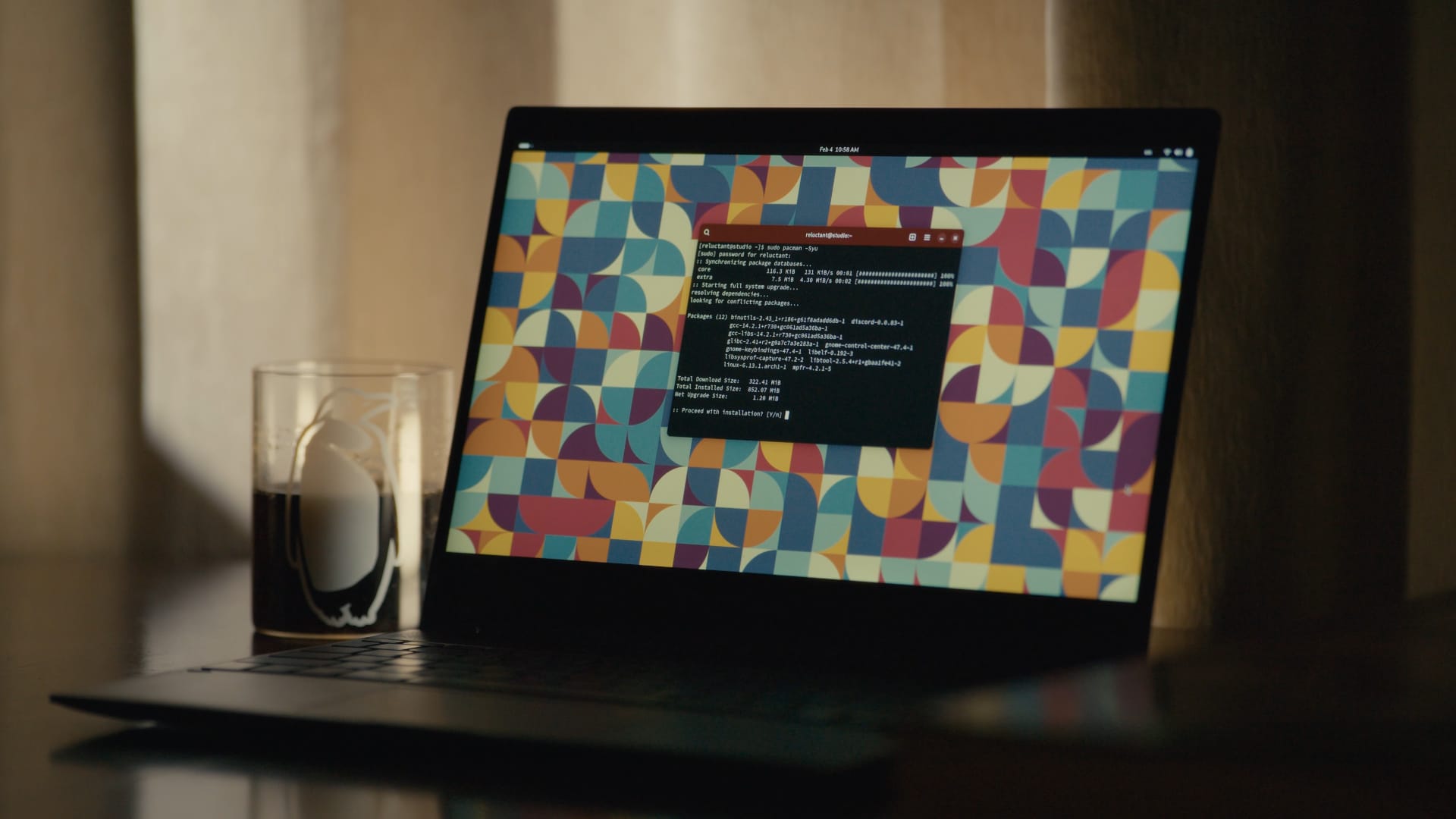
The most preferable method of updating the system, sudo pacman -Syu, updates all packages automatically, eliminating the risk of creating dependency hell. Pacman also doesn't allow you to remove a certain package if it is listed as a dependency for another app.
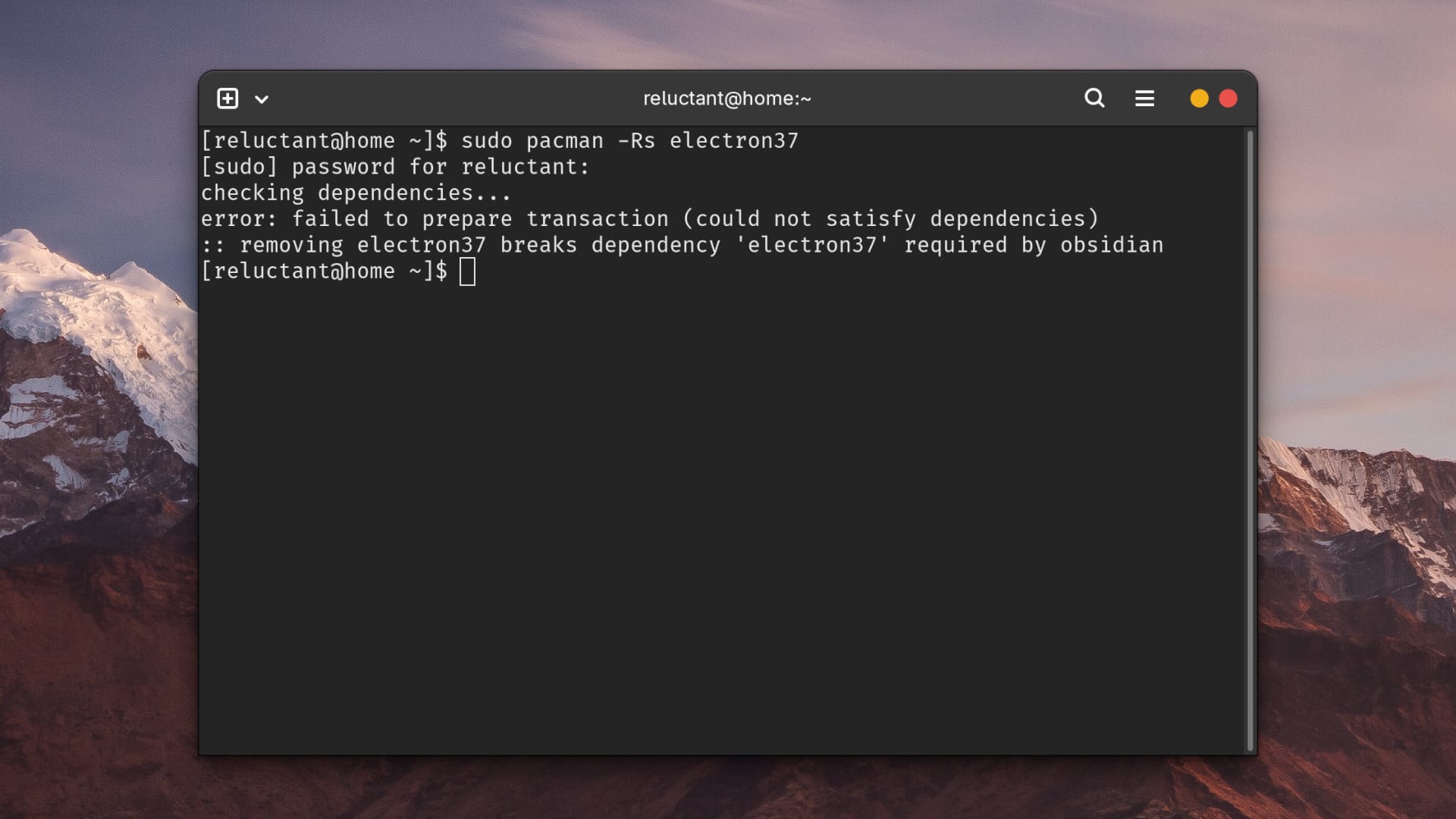
It literally took me a few days to set up DaVinci Resolve, Reaper, GIMP, and RawTherapee and these four apps covered most of my professional needs for the recent years.
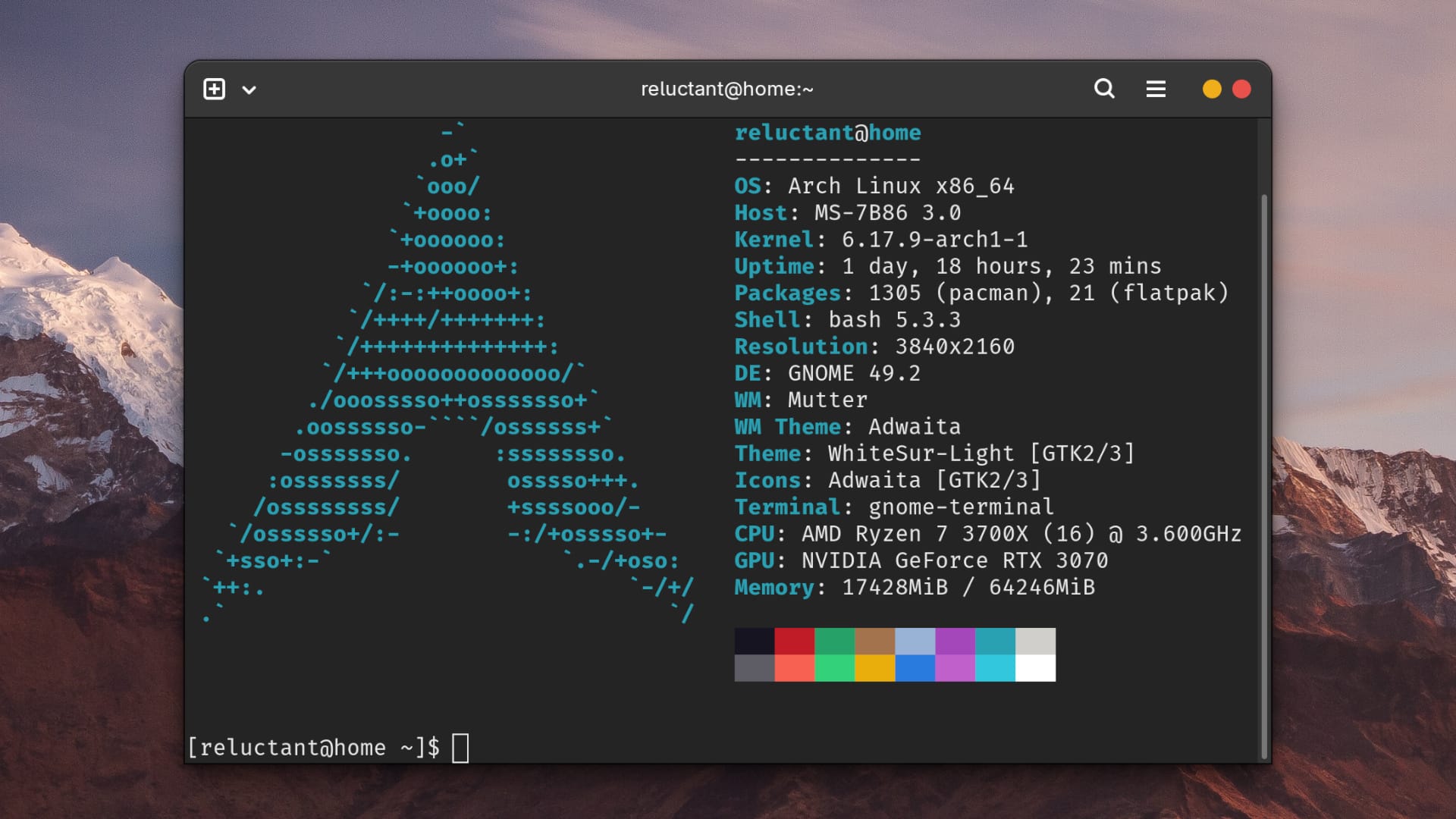
I was also using this PC for gaming, and over the last three years and it was working like a charm. I haven’t had any significant issues or instabilities. Arch is a reliable distro. Or at least it was up until 2025, when I installed GNOME 49.
Wayland is a hot mess
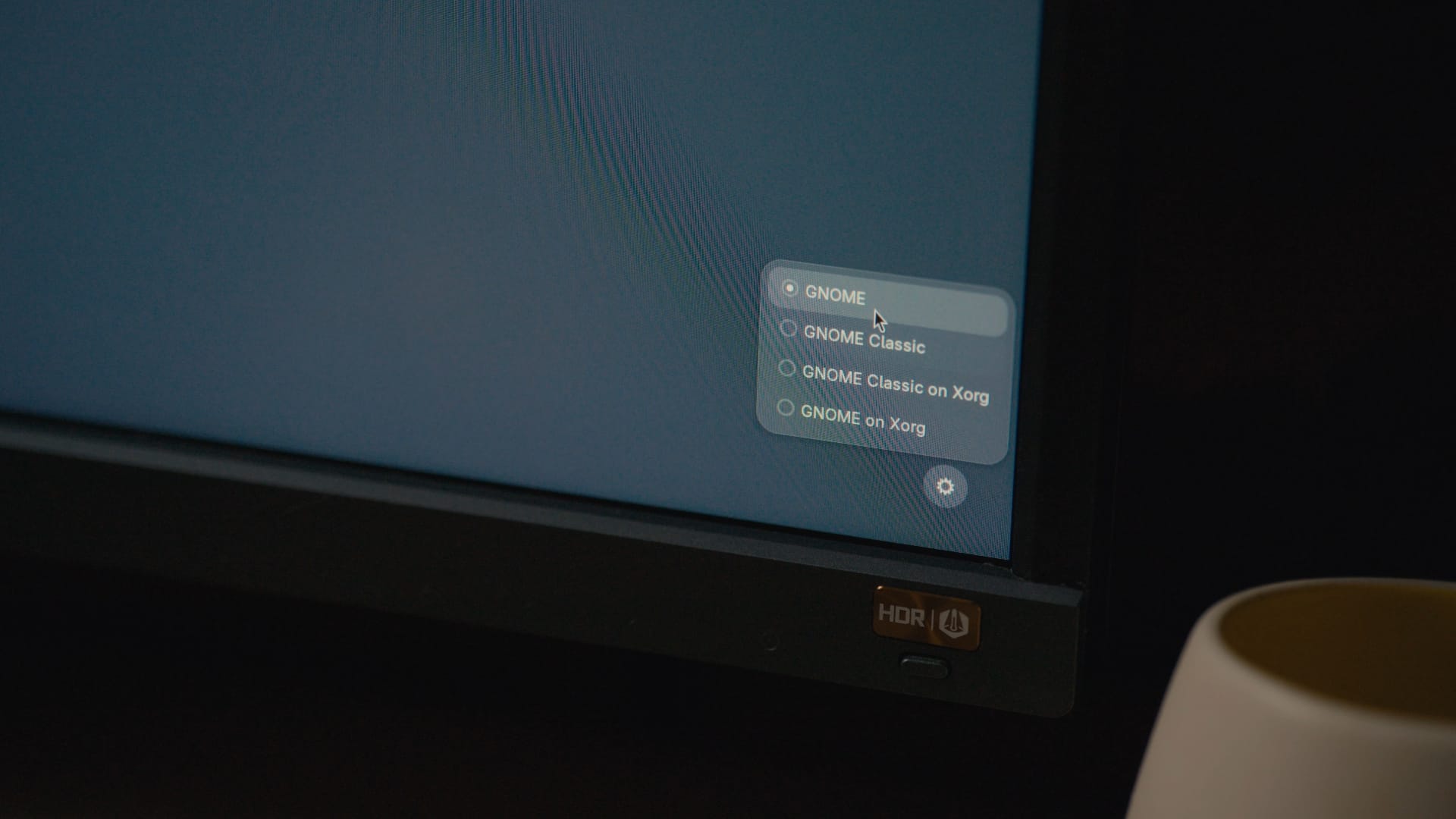
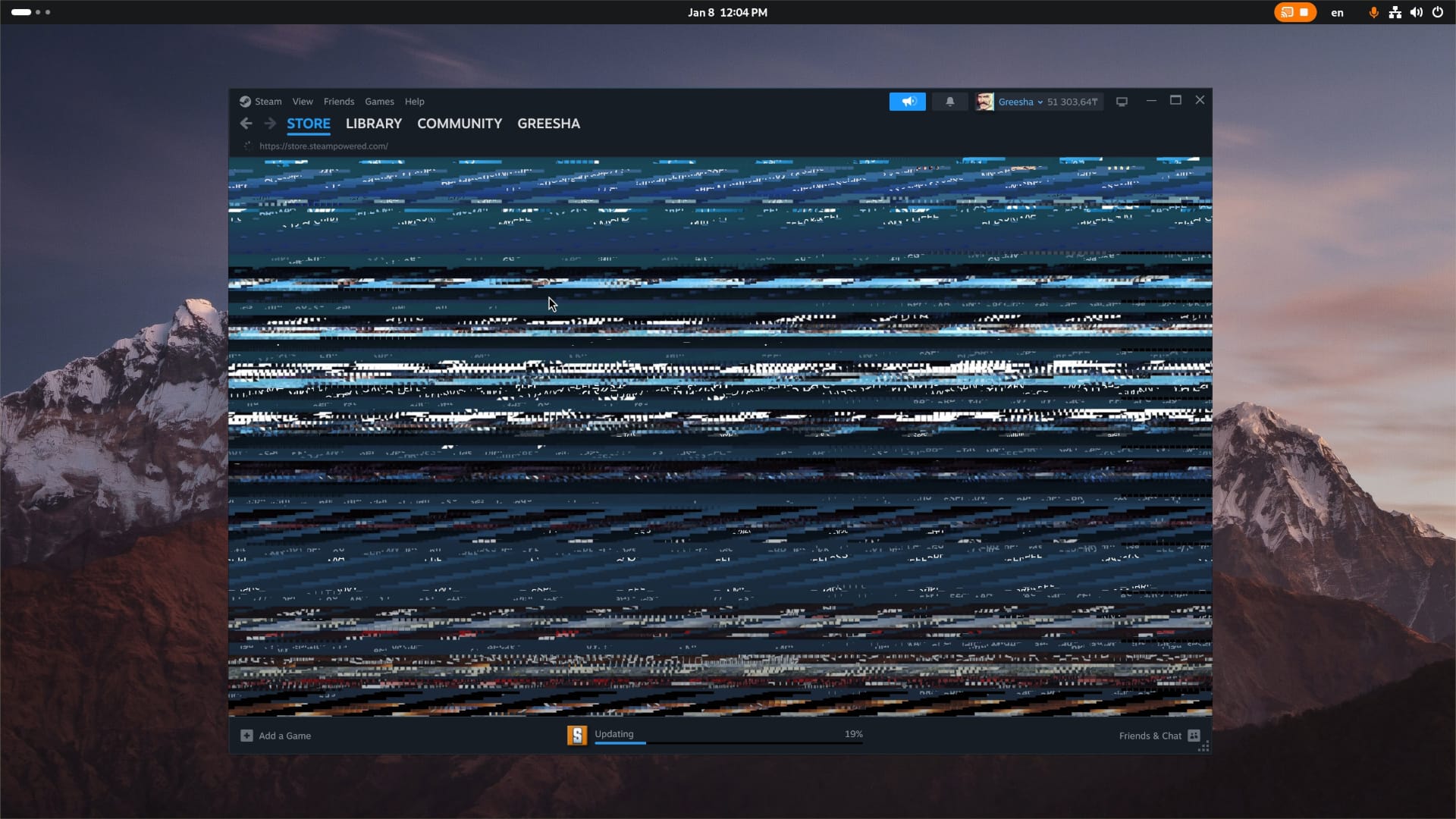
GNOME 49 did one thing that disrupted my whole creative workflow: it disabled X11 session by default and forced me to use Wayland, which made life much harder.
The bitter truth that I had to learn myself was that user experience under the Wayland session is sub-par. My desktop is built around RTX 3070 which I needed for GPU-accelerated video rendering and VRAM management under the Wayland session is broken.
Swithcing languages on GNOME 49 under the Wayland session was making the whole system freeze, drag and drop support was bad, and global hotkeys? Still non-existent.
To fix this, I had to manually restore X11 session downloading and rebuilding mutter, gdm, gnome and gnome-shell packages myself. And it's not just GNOME Problem. KDE Plasma also has a similar issue: with the recent split of kwin into kwin-wayland and kwin-x11, users running the old X11 session on Arch Linux needs to manually install plasma-x11-session if they want be able to login.
It would be fair to mention that this whole Wayland rant is not really related to Arch directly, since your particular Arch-based system can be whatever you want it to be. I am are free to install Arch with XFCE and never give a damn about Wayland.
But as someone who’s using Arch Linux for all my professional work, I can’t separate the distro from the user experience that comes with the DE, especially since we are talking about two of the most popular desktop environments on Linux, and transition to Wayland was the single biggest source of issues for me.
I do understand that there are development reasons for deprecating X11. However, a major desktop environment moving too fast on Wayland adoption brings a net harm to the Linux community. It just reinforces the misconception that Linux is not ready for the general public. It'll also hurt the perception of Arch Linux, which I was using perfectly fine for three years.
The biggest problem that Wayland creates is not about Wayland itself. It still may be the best display server protocol in the whole world, but I don't care how good it is if it breaks the user experience. No project is more important than the users of the project.
The upshot
After three years of daily driving Arch Linux, I found myself in love with this system. Arch Linux is precisely everything I've read about Arch Linux: It's reliable, it's blazing fast, and, what's more importantly, it respects my choice, even when I choose not to install NTFS driver.
As they say, with great power comes great responsibility.
Now I totally understand why it got a reputation as a cool kid Linux distro and "I'm using Arch, btw" became such a meme. It sits in a perfect sweet spot between beginner-friendly distros and DIY distros like Gentoo and LFS, that require you to compile individual packages.
ArchWiki has gave me a solid understanding of underlying Linux concepts, including package (and service!) managers, it taught me how to maintain my system and I also learned the hard way the difference between two existing display server protocols.
When it comes to Linux, you are the only one who's responsible for installing maintaining your own system. It's going to be as stable as I want it to be and his is especially true when it comes to Arch Linux.